


Download FoxFi Key – PdaNet, Internet Sharing, Network Tethering, USB Tethering, Bluetooth Tethering, Wi-Fi Hotspot, Mobile Hotspot, Secure Connection, Advanced Tethering Tool
Overview
FoxFi Key (supports PdaNet) is a premium licensing application developed by FoxFi Software, designed to unlock advanced functionality within the FoxFi and PdaNet ecosystem. This software enables users to transform their mobile device into a multi-mode internet hotspot, supporting Wi-Fi, USB tethering, and Bluetooth connections. Its primary purpose is to extend mobile internet access to other devices such as laptops, tablets, and gaming consoles, making it a valuable utility for users in remote or low-connectivity environments. The tool is particularly useful for professionals, students, and home users who rely on consistent network access across multiple devices. It is not a standalone application but functions as a license key that activates full features in the associated FoxFi or PdaNet software. Real-world usage scenarios include remote work, travel, emergency connectivity, and connecting legacy devices that lack modern network support. The developer did not provide additional details about the company’s background or broader product line. Users must already have PdaNet or FoxFi installed on both the mobile device and the target device. The setup process involves configuring proxy settings on the host device, which may pose challenges for less experienced users. Despite this, the software serves as a critical component in a network-sharing workflow for users seeking flexible and secure connectivity options.Key Features & Capabilities
- Multi-Connection Tethering – FoxFi Key enables users to share their mobile internet connection via Wi-Fi, USB, and Bluetooth, offering flexibility across different device types and environments.
- Advanced USB Mode Support – The application provides enhanced USB tethering options, compatible with a wide range of mobile device versions, ensuring reliable connectivity for desktop and laptop systems.
- Wi-Fi Hotspot Functionality – Users can create a secure Wi-Fi hotspot, allowing multiple devices to connect simultaneously. This feature is especially useful in shared workspaces or during travel.
- Device Independence Mode (Limited) – For certain mobile device versions, the software allows the device to remain powered off while still functioning as a Wi-Fi hotspot, extending usability in low-power scenarios.
- Compatibility with Diverse Devices – Supports tablets such as Kindle and Nook, as well as gaming consoles like PlayStation, Wii, and Xbox, broadening its utility beyond traditional computing devices.
- Security and Encryption – The platform implements WPA2 encryption with AES-based authentication, helping to protect data during transmission and prevent unauthorized access to the network.
User Interface, Workflow & Performance
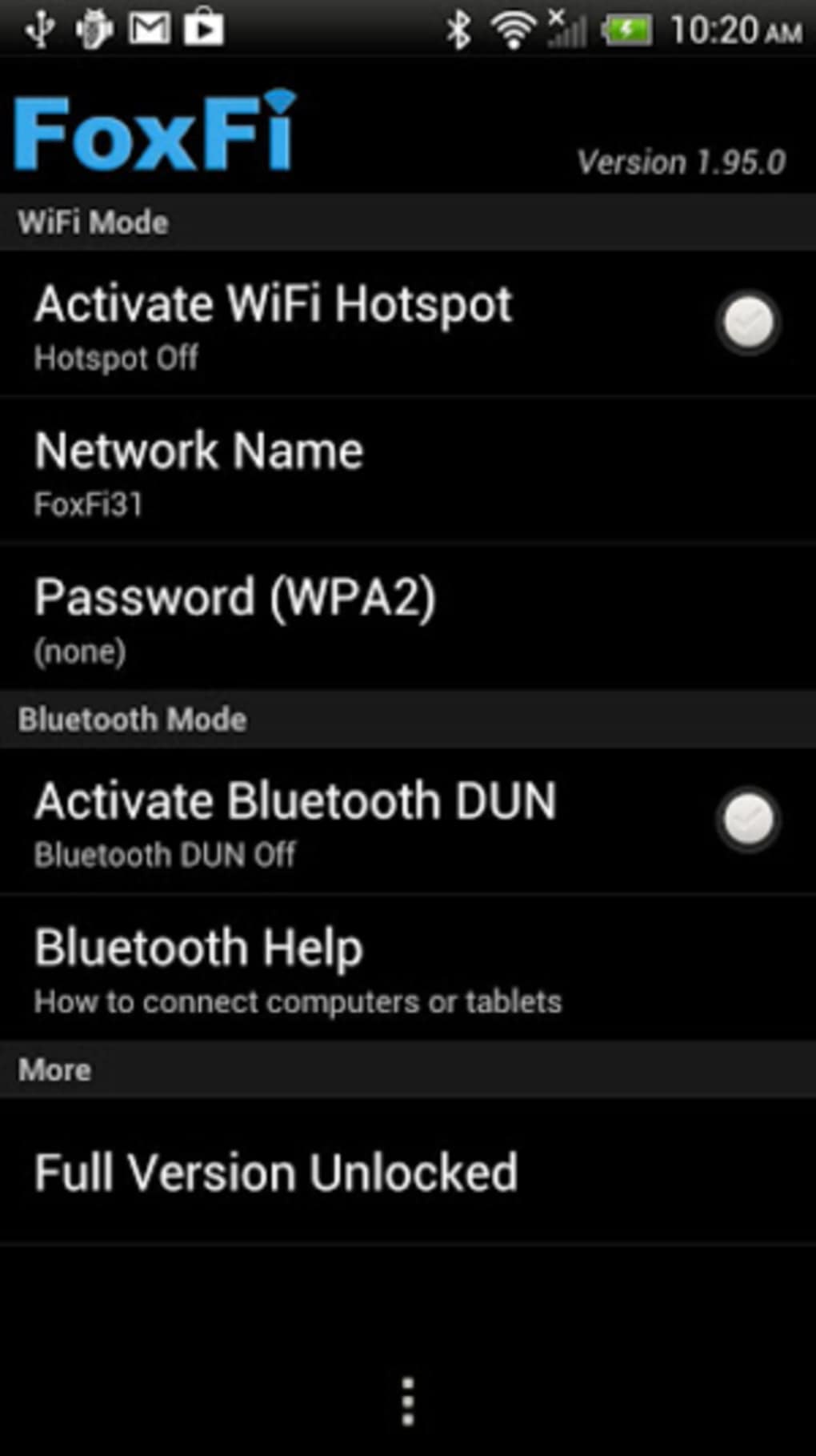
The user interface of FoxFi Key is designed to be functional and focused on core operations, prioritizing efficiency over visual polish. Navigation is straightforward, with clearly labeled options for enabling tethering modes and managing connection settings. The workflow begins with activation of the license key within the FoxFi or PdaNet app, followed by configuration of the host device’s network settings. Users must manually set proxy parameters to route traffic correctly, which may require technical knowledge. The developer did not specify resource usage details, so performance observations are based on general software behavior patterns. In typical use, the application operates in the background, consuming minimal system resources. Stability is expected to be consistent with similar network-sharing tools, though actual behavior may vary depending on device hardware and network conditions. The software does not report real-time performance metrics or load indicators. Users should anticipate a smooth experience on supported devices, though the initial setup may require troubleshooting for first-time users.Compatibility & System Requirements
FoxFi Key (supports PdaNet) is designed for use with mobile devices running Android, though the exact OS version range was not specified. The software requires the presence of PdaNet or FoxFi on both the mobile device and the target device. Installation size is not publicly disclosed, and no specific hardware requirements were provided. The developer did not specify whether the application supports Windows, Mac, or other operating systems beyond the mobile platform. Compatibility with tablets and gaming consoles is noted, but the exact models or versions are not listed. The software’s ability to function in different tethering modes depends on the underlying device capabilities. For instance, Wi-Fi hotspot functionality with device shutdown support is only available on certain mobile device versions. The developer did not provide a comprehensive list of supported hardware or OS versions, so users should verify compatibility with their specific devices before installation.Pros and Cons
Pros
- Unlocks advanced tethering features in FoxFi and PdaNet ecosystems
- Supports multiple connection methods: Wi-Fi, USB, and Bluetooth
- Compatible with a wide range of devices including tablets and gaming consoles
- Uses WPA2 encryption for secure network sharing
- Offers flexibility for remote and mobile users
Cons
- Requires prior installation of PdaNet or FoxFi on both devices
- Setup involves manual proxy configuration, which may confuse beginners
- Device-specific functionality (e.g., offline hotspot) is limited to certain versions
- No official documentation or support details provided
- Performance and resource usage not officially disclosed
FAQ Section
Is FoxFi Key compatible with all Android devices?
Compatibility varies by device model and Android version. The software works with certain versions that support advanced tethering features, but full functionality is not guaranteed across all devices.
Can I use FoxFi Key without installing PdaNet or FoxFi?
No. FoxFi Key is a licensing application that requires PdaNet or FoxFi to be installed on both the mobile device and the target device to function.
Is the software secure for sharing internet connections?
Yes, the software uses WPA2 encryption with AES-based authentication to secure network connections and protect data during transmission.
Does FoxFi Key require an internet connection to work?
Once activated and configured, the software operates offline. However, an initial internet connection is needed to download the base applications and set up proxy settings.
Can I use this tool on Windows, Mac, or Linux?
FoxFi Key is designed for Android-based mobile devices. The host device (e.g., PC or tablet) must support the required network configurations, but the software itself is not available for Windows, Mac, or Linux platforms.






.png)
